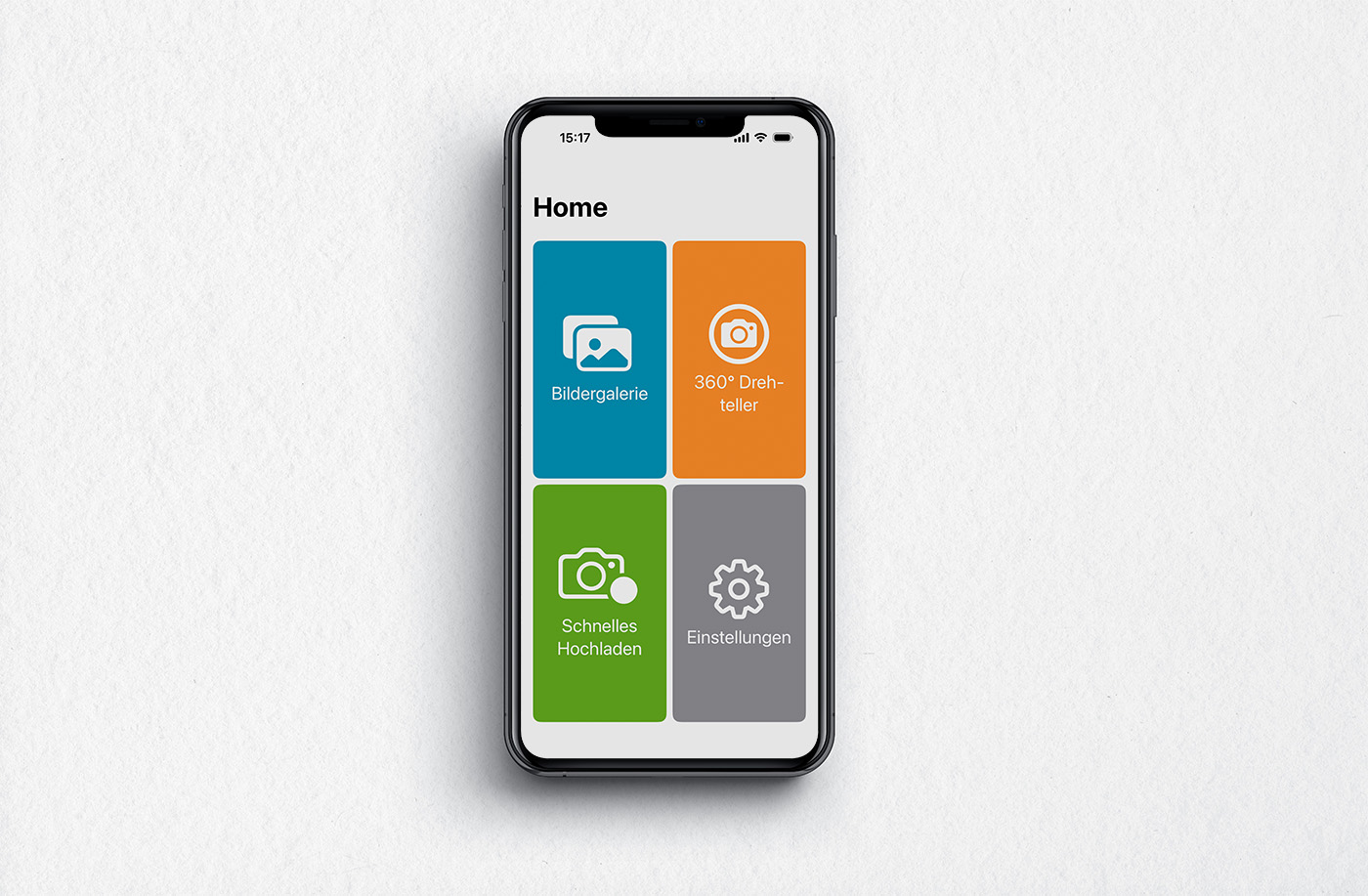
The new QTRIX camera application is now available

qtrix camera app2

Photos play a central role in many QTRIX applications—whether in benchmarking analyses, laboratory product teardowns, ideation workshops, or trade show visits. This is precisely where the new QTRIX Camera App comes in: it makes capturing images and making them directly available within the QTRIX system easier than ever.

Usually, images can also be captured directly via QTRIX on a mobile device and inserted into forms. In practice, however, things do not always go as planned—sometimes photos simply need to be taken quickly and stored in an organized manner later. The QTRIX Camera App was developed precisely for this purpose: as a fast and straightforward companion for use on the go.


Capture images – and use them directly in QTRIX

The app’s image gallery allows photos to be captured and managed initially in an unstructured manner. Selected images can then be uploaded to the QTRIX cloud buffer, from where they can be assigned directly to the correct object (item) within the system.

Without the app, this often involves several additional steps: capturing photos with a smartphone, transferring them to a PC, saving them in the correct folder, and then manually uploading them to QTRIX. 

With the QTRIX Camera App, this detour is eliminated—images can be inserted directly from the cloud into the desired form field.
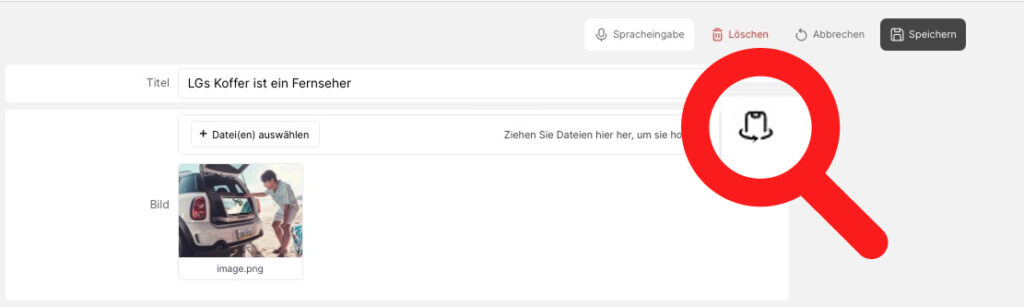


import foto


Automatically generate 360° images

A key feature is the support for the Calidat 360° turntable. In combination with the app, the turntable can be controlled directly. The app automatically captures the individual images and then saves them in QTRIX. At the push of a button, 360° views of components or products are generated, which can be displayed interactively within the system. Users can rotate the object, zoom in, and examine details from different perspectives—almost like a 3D model. Optionally, the app can even automatically remove the background from the images.

 

Share post:

Related posts

bild deutsch

New Feature in QTRIX: Workflows in the iTEM Pool

Mit dem neuen Workflow-System erweitert CALIDAT den iTEM Pool um eine strukturierte Prozesssteuerung für Freigaben, Reviews und Genehmigungen. Durch definierte Prozessschritte, flexible Berechtigungen und eine vollständige Nachvollziehbarkeit von Statuswechseln lassen sich Abläufe standardisieren und Verantwortlichkeiten transparent abbilden.

Read more…
macbook pro 2025

Watchlists in the iTEM Pool – Intelligently Organize Personal Collections

With the new Watchlist feature, CALIDAT expands the iTEM Pool with a personal and collaborative workspace where users can organize, filter, and share relevant iTEMs in a structured way. Thanks to seamless integration, flexible filtering options, and clear permission concepts, quick access to important information and cross-team collaboration are significantly simplified.

Read more…

Subscribe to the newsletter