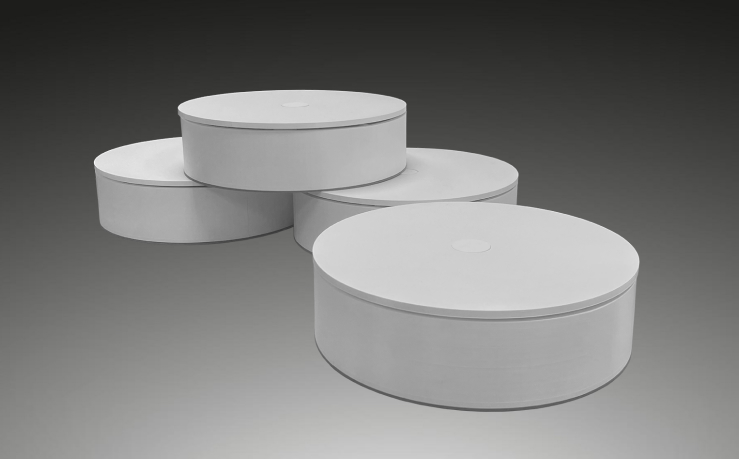
The CT 20 turntable has been specifically developed for use in benchmarking environments where components are systematically captured, documented, and analyzed. It complements Calidat’s existing product range and is particularly suitable for small to medium-sized components weighing up to 20 kg.
Compact Design and Flexible Use
With its handy construction, the CT 20 can be easily deployed in different environments – whether in a photo studio or directly during the teardown process. The ability to operate multiple turntables in parallel allows different components to be captured simultaneously, increasing efficiency within project workflows.
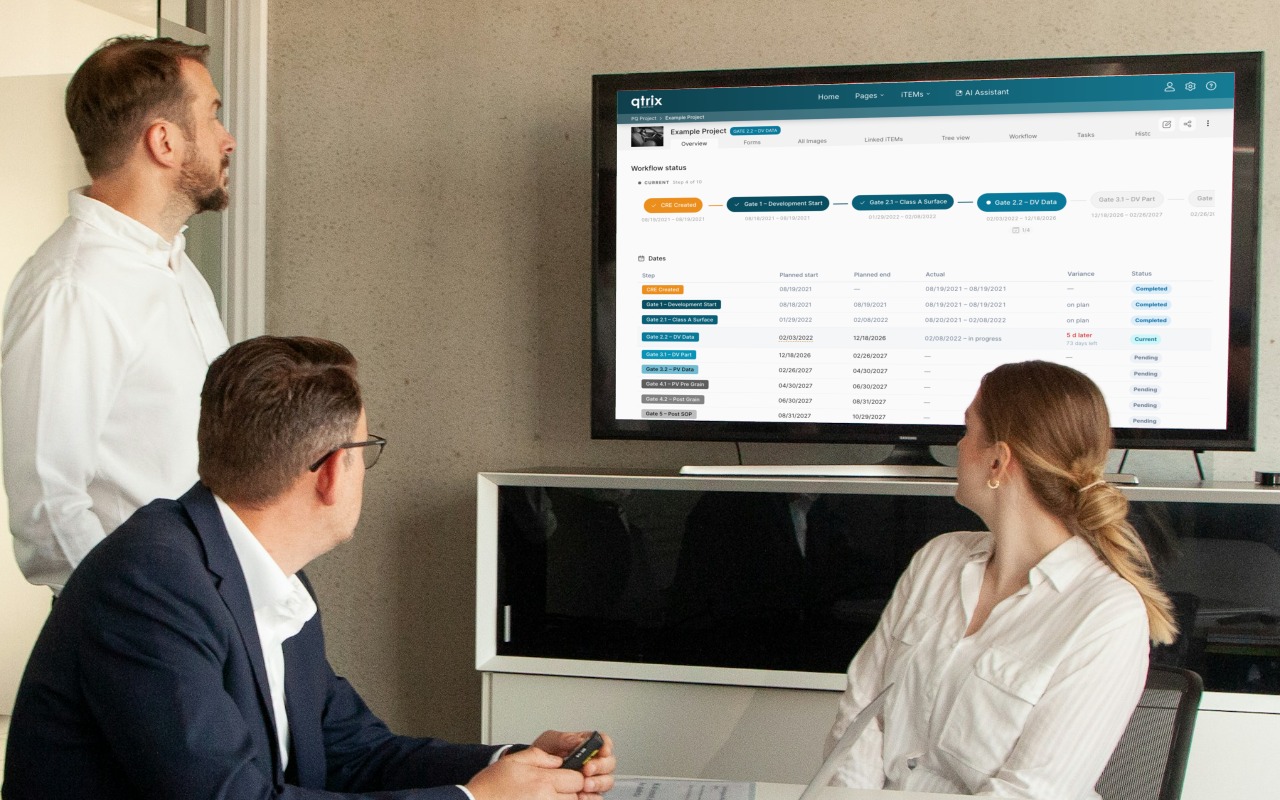
Integration into the QTRIX Workflow
Control is managed via the QTRIX Camera App on the iPhone:
- The number of images per rotation and other parameters are defined directly in the app
- The capture process then runs fully automatically: the turntable positions the component, and the camera triggers at the defined intervals
- The generated images are immediately transferred to the QTRIX platform, stored, and assigned to the respective component
Within QTRIX, the individual images are automatically assembled into a 360° display model. This creates a three-dimensional impression of the component, enabling detailed analysis through free rotation and zoom functionality.
Optional Weight Measurement
An optional scale module can be integrated beneath the turntable. This enables automatic recording of the component’s weight during image capture, with the data transferred to QTRIX together with the images.
Application Focus
The CT 20 is relevant to many industries in which benchmarking projects require components not only to be disassembled, weighed, and measured, but also visually documented. The generated 360° images enrich existing datasets with a visual dimension that significantly simplifies the comparison and analysis of components.