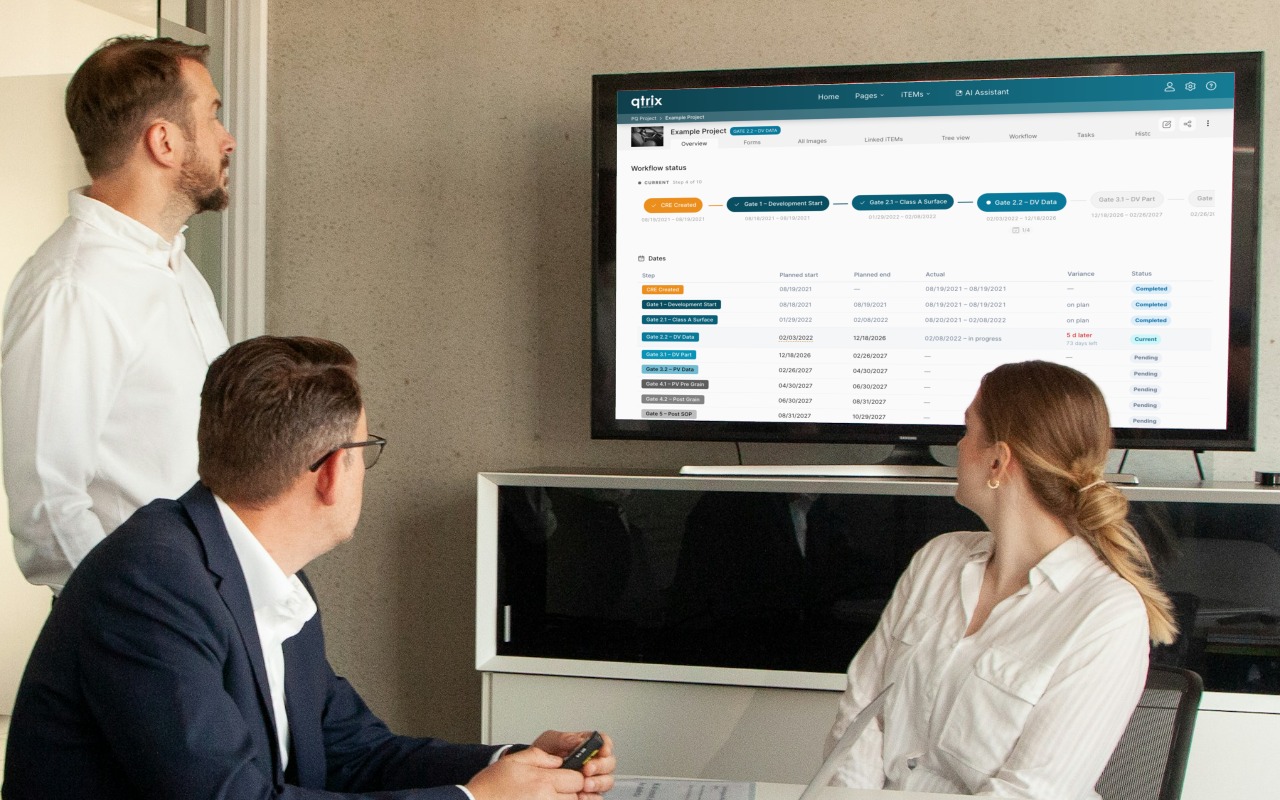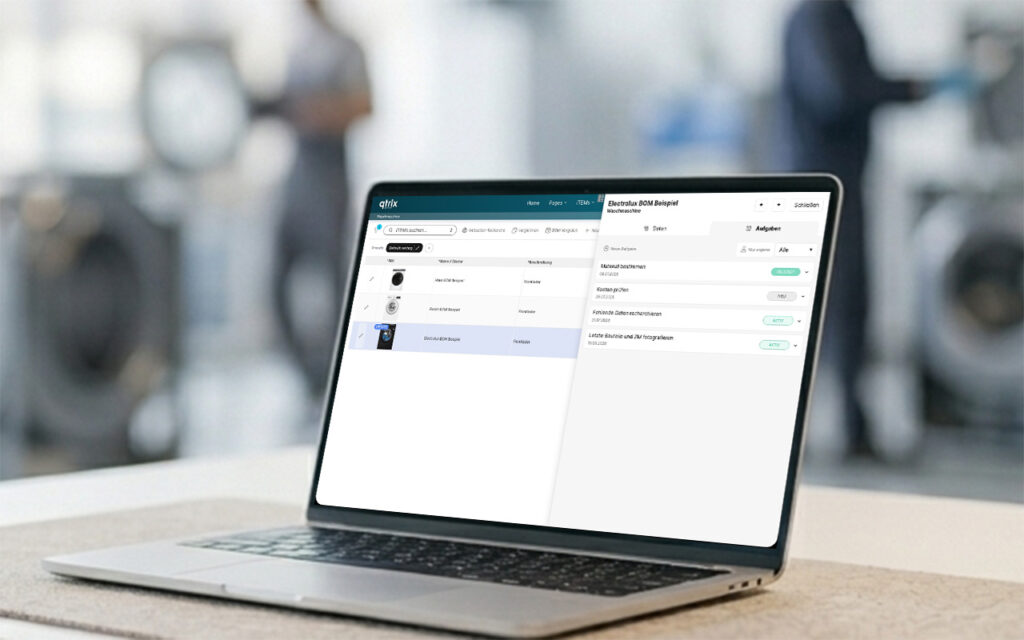
Manage tasks exactly where they arise: With the new iTEM Tasks, QTRIX extends task management across all areas of the platform. Tasks can now be created directly within an iTEM, independently of Tracking, assigned to responsible users, and monitored centrally—providing greater transparency, structured collaboration, and more efficient processes.
More Structure. More Transparency. More Possibilities.
Until now, tasks (iTEM Tasks) were primarily part of the Tracking process. Users who did not use Tracking could not manage tasks independently.
That’s changing now.
With the latest version of QTRIX, tasks can be created directly for any iTEM—without requiring a Tracking process. This transforms what was previously a project-specific feature into a universal tool for everyday collaboration.
Whether in Benchmarking, Value Management, Product Development, or Technology Scouting—wherever teams collect information, prepare decisions, or track actions, tasks can now be used flexibly.
What Does This Mean in Practice?
Every iTEM can now have its own tasks. For example, a task can:
- be assigned to a specific person,
- be assigned a priority and due date,
- track its current status, and
- be directly linked to all information associated with the respective iTEM.
This means that instead of managing to-dos in emails, Excel spreadsheets, or notes, they are stored exactly where the relevant data is located.
Everyone involved can see the current status at any time—without having to switch between different systems.
Tasks Across All QTRIX Application Areas
The biggest innovation is not the task itself, but the fact that it can now be used independently of Tracking. This opens up a wide range of new use cases.
Benchmarking
During a competitive analysis, many small follow-up tasks often arise:
- Research missing data
- Photograph components
- Identify materials
- Review costs
- Ask experts for their assessment
Instead of managing these tasks separately, they remain directly linked to the relevant component or product. This makes it easy to see at any time which information is still missing and who is working on it.
Value Management
In Value Management workshops, dozens or even hundreds of ideas are often generated. Not every idea is implemented immediately. With iTEM Tasks, individual actions can be assigned directly to each idea:
- Evaluate economic feasibility
- Assess feasibility
- Contact suppliers
- Request samples
- Prepare for implementation
This turns a good idea into a concrete action, step by step.
Costing
Cost calculations rarely consist of numbers alone. Assumptions often need to be validated or additional information added, for example:
- Update material prices
- Review manufacturing costs
- Approve the cost calculation
- Review the scenario
All outstanding items remain directly visible within the cost calculation and do not get lost in emails or meeting minutes.
Idea Management
Not every idea is implemented immediately. Many ideas first require additional information or evaluation. Tasks can be used to involve the relevant people in a targeted way:
- Evaluate the idea
- Create a business case
- Review the patent landscape
- Obtain feedback from the relevant department
This keeps the entire decision-making process transparent.
Everything in One Place
The biggest advantage is that tasks are no longer separated from the information they relate to. Each task is directly linked to the specific product, component, idea, or technology it belongs to.
This eliminates the need to switch between different tools: information, documents, images, comments, and tasks are all available in one place and can be tracked at any time.
Always Stay on Top of Your Tasks
Of course, tasks can also be tracked and analyzed centrally. New features include:
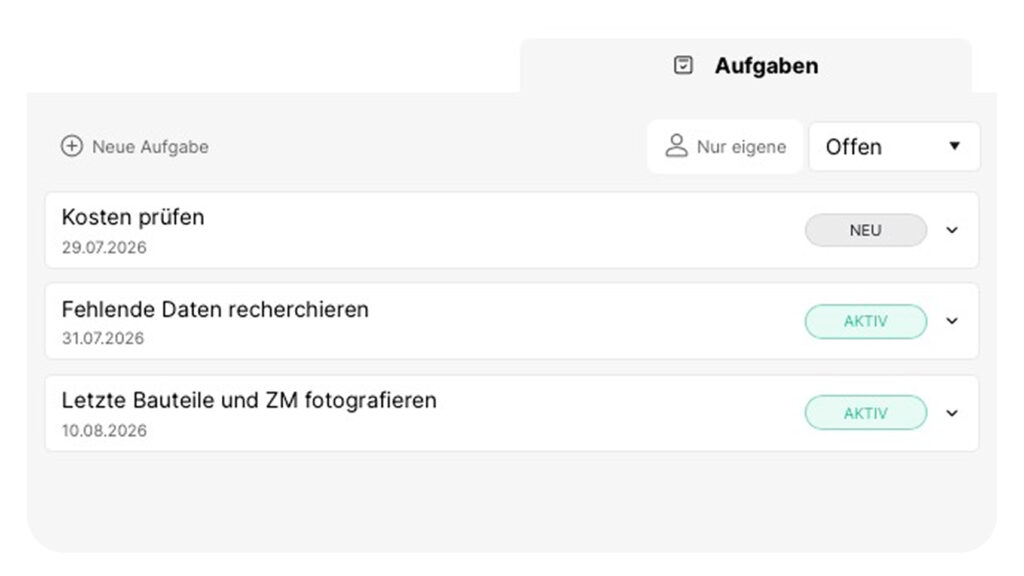
- Tasks displayed directly within each iTEM in a dedicated task section
- Filter for open tasks in the iTEM Pool
- Overview of all your assigned tasks
- Display of due dates
- Integration into dashboards and widgets
This gives both team members and project managers a clear overview of outstanding tasks at all times. The new version also extends the existing task management capabilities with tasks directly linked to iTEMs (independent of Tracking), task filters in the iTEM Pool, task transfer when moving between Tracking phases, and due date information in notifications.
Conclusion
By decoupling iTEM Tasks from Tracking, QTRIX takes another step toward becoming a central work platform.
Data becomes tasks. Tasks become actions. And actions become measurable, traceable results.
Whether you use QTRIX for Benchmarking, Value Management, Costing, Perceived Quality, or other applications, tasks can now be used wherever collaboration needs to be organized and progress made visible.